
On Wednesday, 21 October 2026, the PHP project released emergency security updates and told everyone to install them immediately. If you run a WordPress site, or look after them for clients, this one is different from the usual “please update your plugins” message.
The problem isn’t in WordPress. It’s in PHP, the language WordPress runs on. So clicking “Update” in your dashboard won’t fix it. The fix has to happen on the server, which usually means your hosting company.
Here’s what happened, who’s actually at risk, and a ten-minute check you can do today.
What happened, in plain English
The PHP team fixed two vulnerabilities (CVE-2026-109618 and CVE-2026-109619) that its security advisory describes as able to “allow unauthenticated remote code execution.” In everyday terms: an attacker who knows the trick may be able to run their own code on a server without logging in to anything. Both were rated 9.2 out of 10 for severity.
The fixed versions are PHP 8.5.12, 8.4.27, 8.3.36 and 8.2.35. According to the advisory, the flaws affect “all PHP installations serving web requests, including PHP-FPM, Apache with mod_php, php-cgi, FrankenPHP and LiteSpeed.” In other words, almost every kind of WordPress hosting.
There’s no clever workaround either. PHP’s own release notes say: “There are no complete mitigations, updating is the only safe choice.”
Why updating WordPress won’t help
WordPress.org said so directly on the day of the release: “These vulnerabilities are not specific to WordPress and affect any server that hosts a PHP application. No WordPress update is required or planned for these issues.”
That’s important, because many site owners assume “I keep everything updated” means they’re covered. Not this time. Your plugins and core can be perfectly up to date and the server underneath can still be running vulnerable PHP.
One in three WordPress sites can’t get the official fix
Here’s the part that worries us most. The PHP project only patches versions it still supports. As WordPress.org puts it, “Versions of PHP prior to 8.2 no longer receive security updates from the PHP project.” PHP 8.1 reached end of life on 31 December 2025, and older versions long before that.
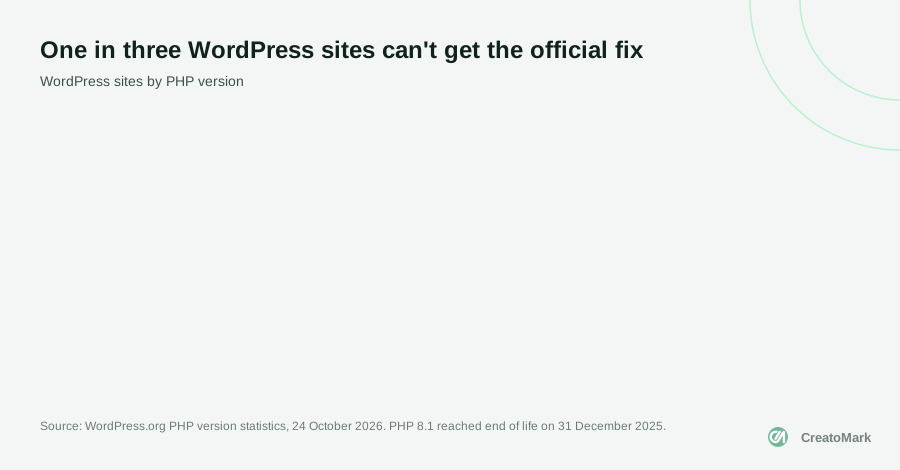
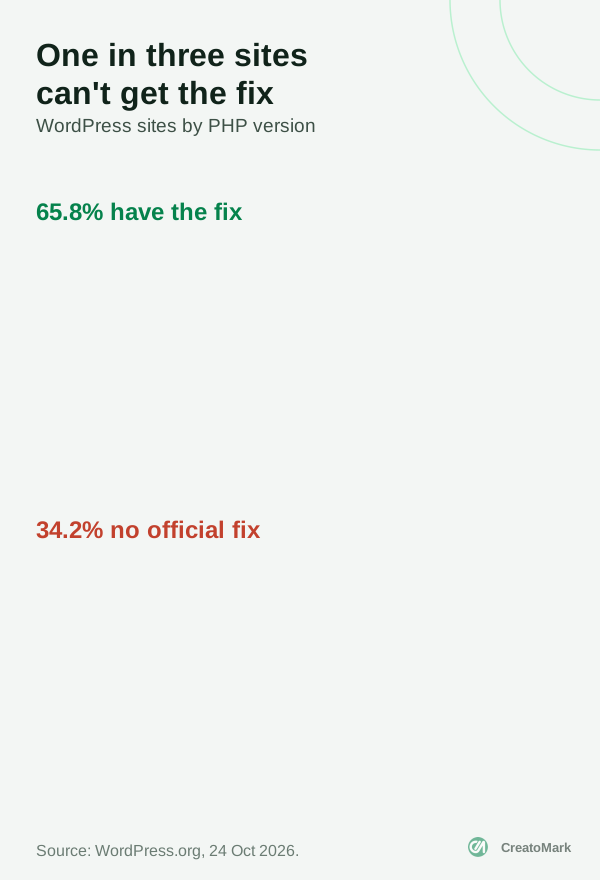
According to WordPress.org statistics on 24 October 2026, 34.2% of WordPress sites still run PHP 8.1 or older. PHP 7.4 alone, which stopped receiving fixes in November 2022, is on 15.3% of sites.
To be fair, those sites aren’t necessarily defenceless. PHP’s advisory notes that Linux distributions and long-term support vendors received patches in advance, and some hosts are patching older versions themselves. Pantheon, for example, reports rolling out fixes for older versions through its support vendor. But that depends entirely on your host. If you’re on PHP 8.1 or older, you can’t assume anything: you need to ask.
Worth planning for now: even PHP 8.2 only has until 31 December 2026 before it stops receiving security fixes. If a site needs a PHP upgrade anyway, it’s sensible to go straight to 8.3 or newer.
Check your site in ten minutes
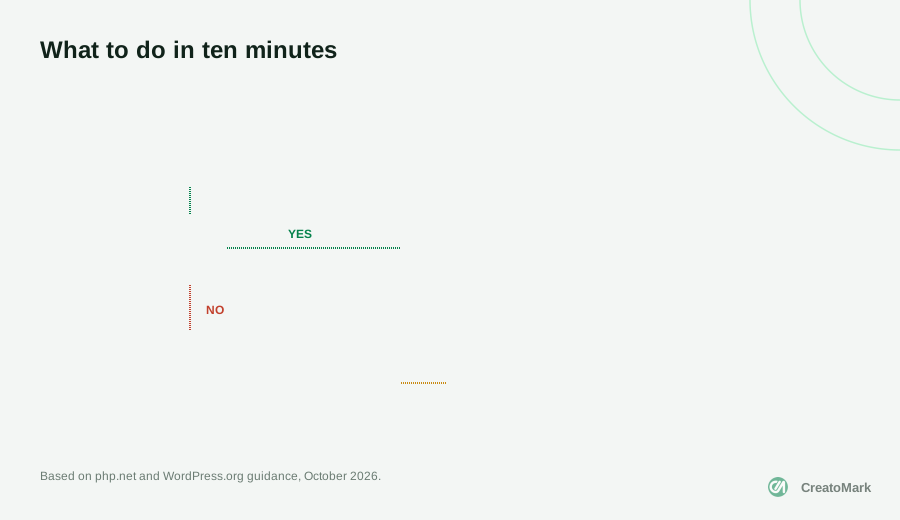

- Find your PHP version. In your WordPress dashboard, go to Tools > Site Health > Info and open the Server section. Your hosting control panel usually shows it too.
- If it’s 8.2 or newer: check your host’s status page or ask support whether the 21 October PHP fix is installed. Don’t rely on the version number alone. A host or Linux distribution can apply the fix without the number changing.
- If it’s 8.1 or older: ask your host to move the site to PHP 8.2 or newer (ideally 8.3+). Take a full backup first and test on a staging copy, because older themes and plugins sometimes break on newer PHP.
- If you manage your own server and can’t update soon, WordPress.org’s advice is blunt: “consider taking your server offline” until PHP is updated.
What to ask your host

Most good hosts have been working on this since the day it was announced, and many have already finished. You don’t need to be technical to check. Send your host something like this:
“Has the PHP security release of 21 October 2026 (CVE-2026-109618 and CVE-2026-109619) been applied to my account? My site runs PHP [your version]. If that version is no longer supported, can you move me to PHP 8.3 or newer?”
If the answer is vague, or there’s no answer at all, take that as a sign. A host that can’t tell you whether a critical security fix is installed probably isn’t the right home for a business website. Moving hosts is less painful than it sounds, and it’s something we do regularly as part of hosting and migration work.
What firewalls can and can’t do
Several hosts and security services added firewall rules to block attacks while they roll out the fix. Cloudflare, for instance, says its protections were deployed automatically from 21 October on all plans with its firewall enabled, including the free plan.
That’s genuinely useful, but treat it as a seatbelt, not a repair. Cloudflare itself describes the rules as an additional layer of defence and still tells customers to update PHP. Firewalls catch known attack patterns; the update removes the hole.
One more setting to know about: on 23 October, PHP published a further advisory suggesting session.upload_progress.enabled=0 until the next regular release, to close an unlikely related attack route. WordPress itself doesn’t use this feature, but it’s a server setting, so ask your host before changing anything on shared or managed hosting.
If you look after client sites
Agencies have a slightly bigger job this week, and a chance to show clients what a maintenance plan is actually for:
- List every client site with its PHP version and host. The sites on 8.1 or older go to the top.
- Check each host’s status page and note whether the fix is confirmed.
- Tell clients what you’ve checked, even if the answer is “you’re fine”. A short, calm email builds more trust than silence.
- Schedule PHP upgrades for the old sites, with a backup and a staging test each time.
This is exactly the kind of work a website care plan exists for: someone watching the parts of a site the owner never sees, and acting before it becomes an emergency.
What we found on our own site
We ran the same ten-minute check on creatomark.com the week the fix came out. The site was on PHP 8.5.11, one step below the fixed 8.5.12. Our host’s status page said its platform was not vulnerable and had extra protection in place, and the main interim setting from PHP’s advisory was already switched off on our server. So we were very likely safe, but “very likely” isn’t a confirmation, so we asked the host to confirm in writing, exactly as we suggest above.
That’s the honest reality for most sites: the version number alone doesn’t tell you the answer. Someone has to ask.
The pattern we see on older client sites
Our team has built or taken over a lot of WordPress sites: more than 300 launched by CreatoMark since 2023, on top of the 700+ our founder built personally since 2014. When we take over a site from another developer, the ones stuck on PHP 7.4 or 8.0 almost always have the same story behind them. Nobody wanted to touch the server because an old theme or an abandoned plugin might break, so the upgrade kept getting postponed.
That’s why we never upgrade PHP on a live site first. We copy the site to staging, switch the PHP version there, and click through the pages that make money: forms, checkout, bookings and logins. Most sites move cleanly. The ones that don’t usually need one plugin replaced or a few lines of theme code updated, which is far cheaper than running a business website on a PHP version that no longer gets security fixes.
The bottom line
For most WordPress sites on good hosting, this will be over by the time you read it: the host updates PHP, the firewall holds in the meantime, and nothing happens. The sites at real risk are the ones on old PHP versions with hosts nobody has checked in years.
So take ten minutes today. Find your PHP version, ask your host one question, and plan the upgrade if you need one. If you’d rather hand it over, our team handles WordPress maintenance and PHP upgrades for agencies every week. Book a call and we’ll help you check your sites.