

WordPress 7.2 is on its way. The first beta arrived on Tuesday, 20 October, and the final release is planned for Tuesday, 8 December 2026. That leaves about seven weeks to find out what it changes on the sites you look after, before it lands on them for real.
This is a quieter release than 7.0, but it has some genuinely useful changes, a new default theme, and one security improvement we’ve been waiting for. Here’s what’s in it, who will notice what, and how to test without risking a live site.
The dates
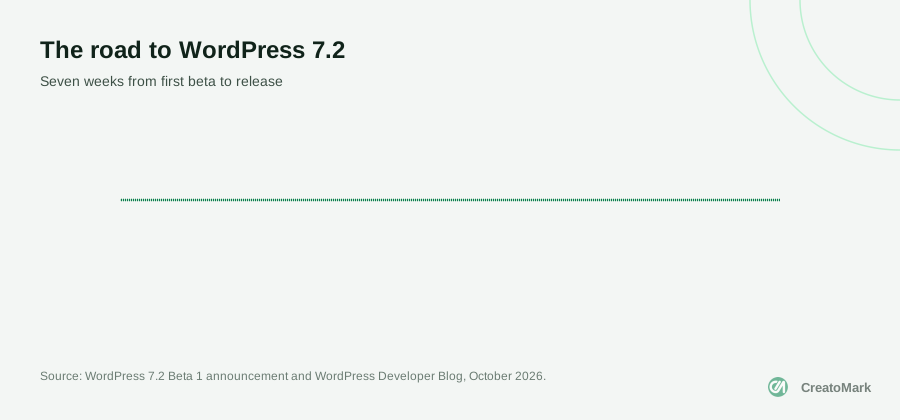
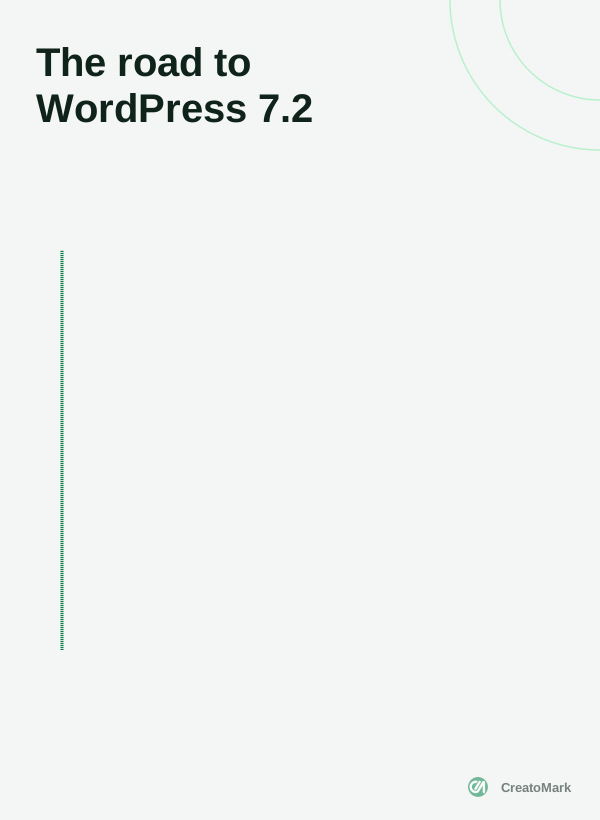
The Beta 1 announcement confirms the 8 December target, and the WordPress Developer Blog puts the first Release Candidate on 17 November. One honest caveat from the developer blog: items on the roadmap are “being actively pursued, but doesn’t necessarily mean each will make it into the final release.” So treat the beta as a strong preview, not a promise.
What site owners and editors will notice
Most clients won’t read release notes, but they will notice these:
- A refreshed admin. The old Dashicons in the admin bar and sidebar are being replaced with icons from WordPress’s newer icon library.
- Easier menus. You’ll be able to add, organise and edit navigation items from the editor sidebar.
- Better Notes. The comments-on-blocks feature gains emoji reactions, a toolbar icon and a “minimised” mode.
- Smaller uploads. Images are resized, compressed and converted in the browser before they’re uploaded, which helps sites where people upload huge phone photos.
- “On This Day”. A new dashboard widget that shows posts published on the same date in past years.
- A faster admin. Scripts and stylesheets now load individually so they cache better, and likely next screens are preloaded.
What designers get
Designers have the most to play with. Responsive controls, which let you style a block differently on phones, tablets and desktops, reach more blocks, including Gallery. There’s a new text shadow control that themes can offer as presets, a Grid variation for galleries, and a “Customized” filter in Global Styles that shows you which blocks have had their styles changed.
There’s also a new default theme. Ipsum is named after the lorem ipsum placeholder text, and its team describes it as “a blank canvas built around the blogging experience.” It needs WordPress 7.1 or later and PHP 7.4 or later. Style variations that recolour the whole page, images included, are one of the parts the team most wants tested.
The security fix we’ve been waiting for
When WordPress 7.0 added its Connectors screen for AI providers, we pointed out a real gap in what WordPress 7.0 changed for agencies: API keys pasted into the dashboard are stored in the database unencrypted. WordPress 7.2 starts to fix that.
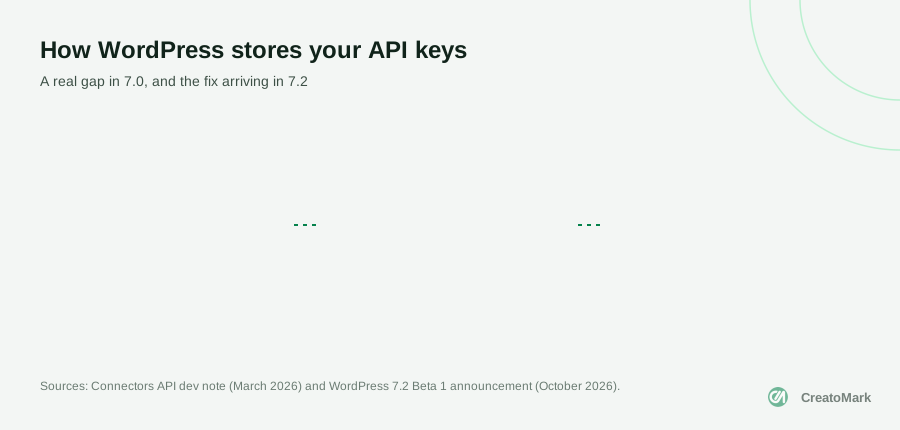
The beta introduces a Secrets API with “encryption at rest, credential rotation, and customizable storage providers.” In plain terms: a proper, built-in way for WordPress and its plugins to store passwords and API keys encrypted, and to replace them without fuss. According to the roadmap, a full settings screen for it comes later, so in 7.2 this is mainly something developers and plugins build on.
Application passwords, which many tools use to connect to WordPress, are also getting attention. The developer blog lists an email notice when a new one is added and safer defaults among the improvements being worked on. That matters more now that AI assistants can connect to sites, as we explained in our guide to the MCP Adapter.
7.2 won’t change how your sites look overnight. It will quietly change how they store secrets, and that’s the part worth testing first.
What developers should test

If you build custom themes or plugins, the developer roundup flags a few things worth checking on a staging copy:
- The HTML sanitiser (
wp_kses) is being rebuilt on the newer HTML API, targeting 7.2 or 7.3 depending on testing. Output is normalised, so any code that compares or stores sanitised HTML needs a test. A filter can restore the old behaviour as a stopgap. - About 330 icons are now stroke-based. Old CSS that recolours icons with
fillrules won’t work; usecolorinstead. - Gallery and link styles. Gallery CSS is now scoped differently, and Accordion, Tabs and Post Template output link-colour classes. Check themes for styling clashes.
- A database detail. WordPress now strips the
NO_BACKSLASH_ESCAPESSQL mode from its connection. Rare, but worth knowing if you run unusual database setups.
Plugin authors should also know that new plugin releases on WordPress.org now get an automated security review during the release cooldown, and high-risk releases can be blocked.
What isn’t coming in 7.2
Just as useful for planning: what not to promise clients yet.
- Real-time collaboration. Google Docs style co-editing is “intentionally not on the roadmap” for 7.2.
- New AI features in core. AI work continues in the separate AI and MCP Adapter plugins, not in WordPress itself.
- “Sudo mode”, which would ask for your password again before sensitive actions, is still at the proposal stage.
How to test safely

The Beta 1 announcement is clear: “Please do not install, run, or test this version of WordPress on production or mission-critical websites.” Here’s a sensible way to do it:
- Make a staging copy of each important site. Most good hosts can do this in a click.
- Install the beta with the WordPress Beta Tester plugin (“Bleeding edge” channel, “Beta/RC Only” stream), or run
wp core update --version=7.2-beta1if you use WP-CLI. WordPress Playground lets you try it in a browser with no setup at all. - Walk through the things that make money: contact forms, checkout, bookings, logins, and the pages clients edit most.
- Check custom code against the developer list above.
- Report anything broken before the Release Candidate on 17 November, while there’s still time to fix it.
How we roll out major updates
We build and maintain WordPress sites for agencies every week, and our own site runs on WordPress with our own custom blocks. That’s exactly why the developer changes in 7.2 matter to us: a rebuilt HTML sanitiser and redesigned icons are the kind of changes that can quietly affect custom blocks.
Our routine for every major version is the same. We test the beta on a local copy of our own site first, then on staging copies of a few representative partner sites: a WooCommerce store, a site built with a page builder, and a block theme. We fix what we find while there’s still time to report problems before the Release Candidate.
When the final version ships, simple brochure sites can usually update within days. For stores and sites with a lot of custom code, we often wait for the first maintenance release, which typically follows within a few weeks, unless the update includes security fixes. In that case we update sooner, with a backup and a check of the pages that matter most.
The bottom line
WordPress 7.2 is a polish-and-plumbing release: nicer tools for editors and designers, a new default theme, and an overdue improvement to how secrets are stored. None of it should break a well-built site, but “should” isn’t a plan.
Test on staging now, fix what you find before 17 November, and schedule updates for the week after 8 December. If you’d rather hand the testing over, our team handles WordPress development and care plans for agencies, including major version updates. Book a call and we’ll plan it with you.